?unique=9fb5f85)
Every September, Odoo unveils a new version, and every September the internet fills with feature lists. This year's headline is clear: AI agents that do real work inside Odoo, included in the subscription rather than sold as an add-on.
But a feature list written for Brussels isn't a feature list written for Dar es Salaam. A business that loses power or internet a few times a week, runs a shop floor full of staff who need system access, and talks to customers mostly on WhatsApp will care about a different set of changes.
Here are the seven that matter most here, followed by the one piece of advice most launch posts leave out.
1. AI agents now do the routine work, at no extra cost
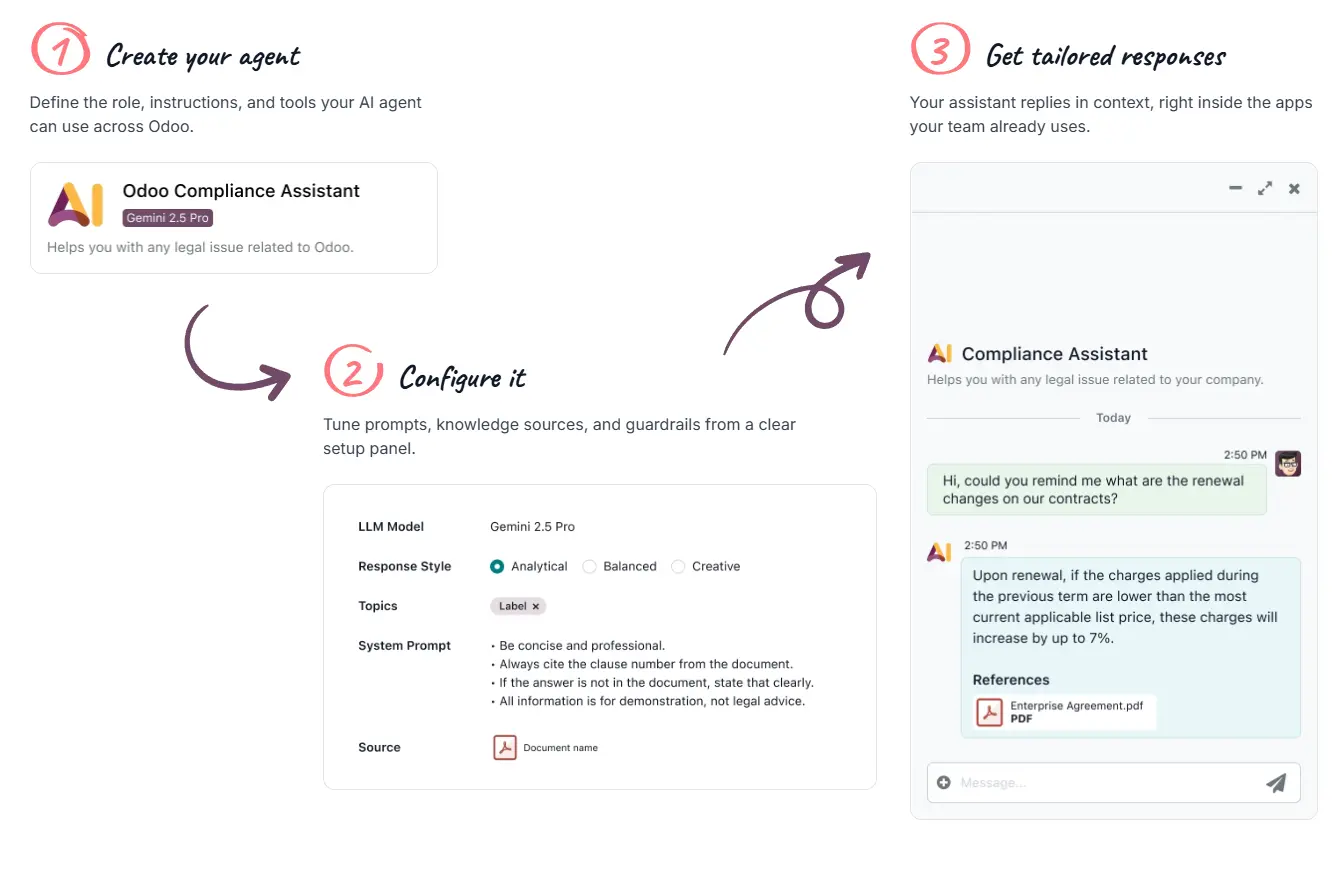
This is the headline, and it deserves its place. Odoo 20 introduces AI agents that take over repetitive work: prioritising helpdesk tickets, following up on orders, sending stock alerts and analysing documents. In accounting, agents can book entries, spot discrepancies and apply the correct VAT.
The part that matters for budgets: AI is included in the standard subscription instead of being charged separately.
What it means here: the value isn't the "AI" label. It's that a small team can stop doing the follow-ups and checks that get skipped when everyone is busy. Start with one painful, repetitive task, such as chasing overdue orders, rather than switching everything on at once.
2. A cheaper licence for staff who only need the basics
Odoo 20 introduces a Light User tier, priced well below a full user. It covers staff who only need HR self-service (leave, expenses, attendance) or work in POS, inventory, barcode scanning or field service.
What it means here: this could be the most important change for Tanzanian businesses, and the least talked about. A retailer with twenty shop attendants, or a distributor with a warehouse team, often holds back from giving everyone system access because of the per-user cost. That's exactly how stock and attendance records end up back on paper. A cheaper licence for those roles changes the maths.
Two caveats. Light Users are only available on Odoo 20, so you have to upgrade first. And pricing differs by country, so check Odoo's pricing for Tanzania before you budget.
3. Offline mode: useful, but read the fine print
Odoo 20 lets you keep working when the connection drops, with changes syncing once you're back online. For a country where power cuts and patchy mobile data are part of normal business, that sounds like the feature of the year.
It is genuinely useful, but it isn't a full offline system, and some launch coverage oversells it. Odoo's own documentation describes offline mode as a way to get through short interruptions, not as long-term offline operation. It works best with records and screens you had already opened before the connection dropped, and it relies on data stored in your browser.
What it means here: offline mode will save a sales rep whose network drops mid-visit. It won't replace a stable connection for a branch that's offline for days. If your business depends on working through long outages, plan for that separately. That's an infrastructure question, not a software setting.
4. WhatsApp inside Odoo's chat
Odoo's internal chat, Discuss, now supports WhatsApp, alongside new polls and meetings features.
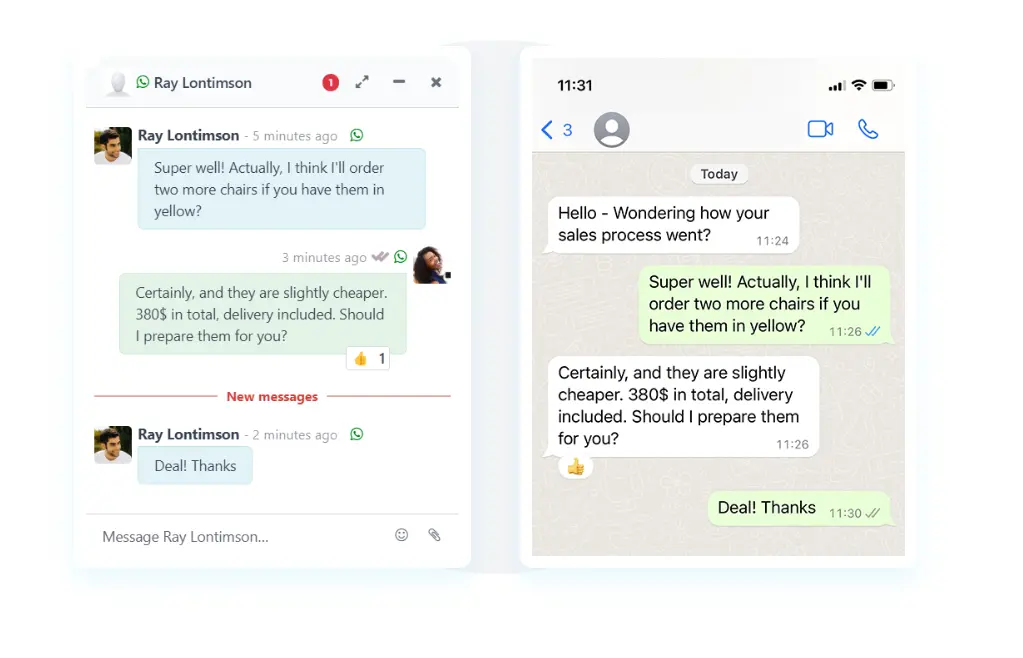
What it means here: most Tanzanian businesses already run on WhatsApp, with approvals in groups, customer orders in chats, and supplier updates in voice notes. The more of that conversation happens inside Odoo, the more of it ends up attached to the right order, customer or invoice instead of lost in someone's phone.
5. Reports by asking a question
In Odoo 20, you can ask a question in plain language and get back a pivot table, a chart, or a live dashboard with alerts. Sales forecasts also use AI, and you can still check where each figure comes from.
What it means here: owners and managers who don't have time to learn report filters can finally get answers themselves, such as "sales by branch this month compared with last month," without waiting for someone to build a spreadsheet.
6. Stock levels that adjust themselves
Minimum and maximum stock levels now adjust automatically based on demand and supplier lead times. On the purchasing side, AI looks through your buying history for chances to negotiate better prices and drafts the email to the supplier.
What it means here: for importers and distributors dealing with long and unpredictable lead times, which describes most of them in East Africa, reorder points set once and never revisited are a constant source of stock-outs and overstock. Levels that keep up with reality are a real improvement.
7. Field Service has been rebuilt around Planning
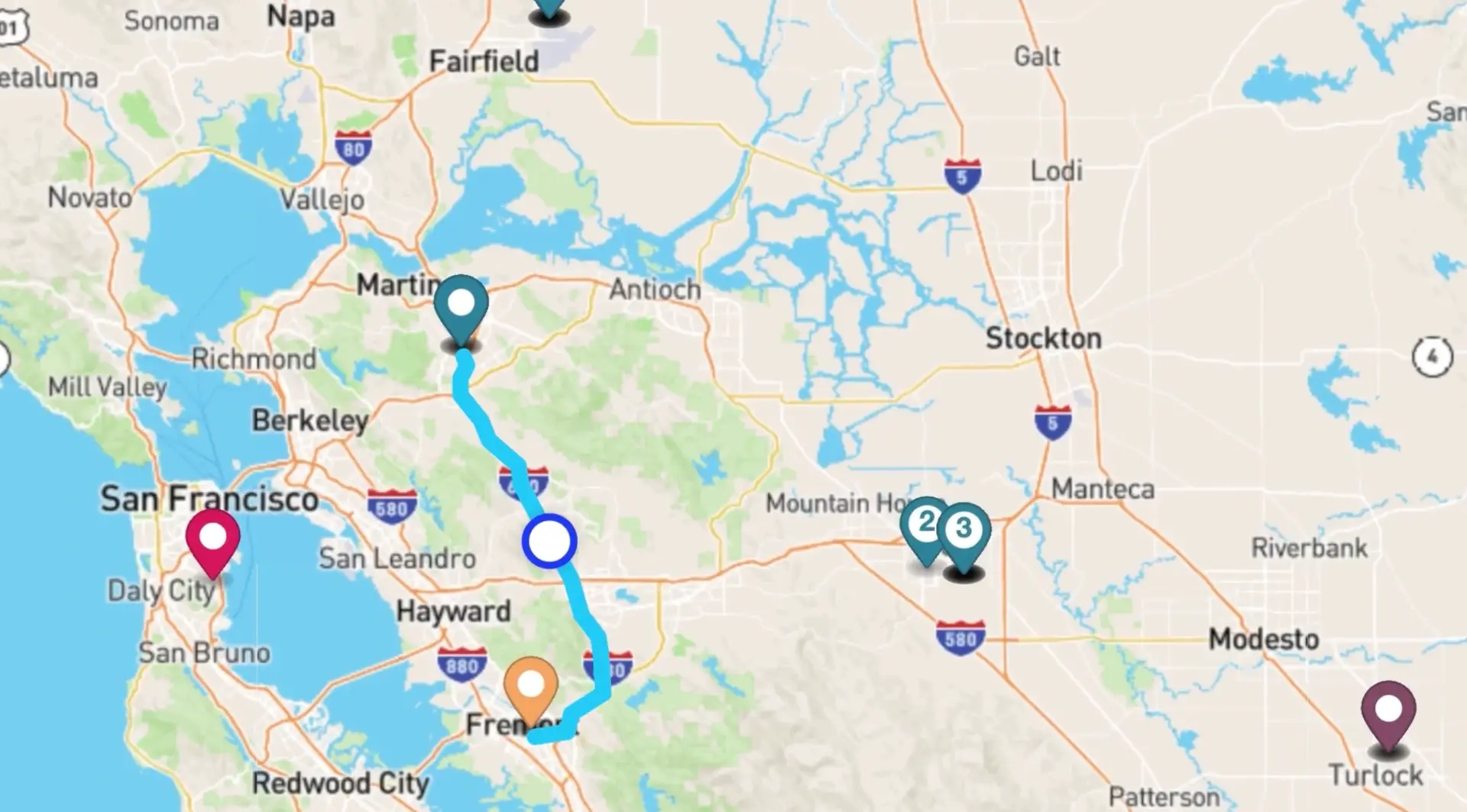
Partners looking at the Odoo 20 code have found that the old Field Service modules were replaced by a new module built on Odoo Planning.
What it means here: if you run technicians, installers or service teams on Field Service today, this isn't a routine upgrade for you. Your setup, and any customisations built on top of it, will need checking before you move.
8. Manufacturing that keeps moving
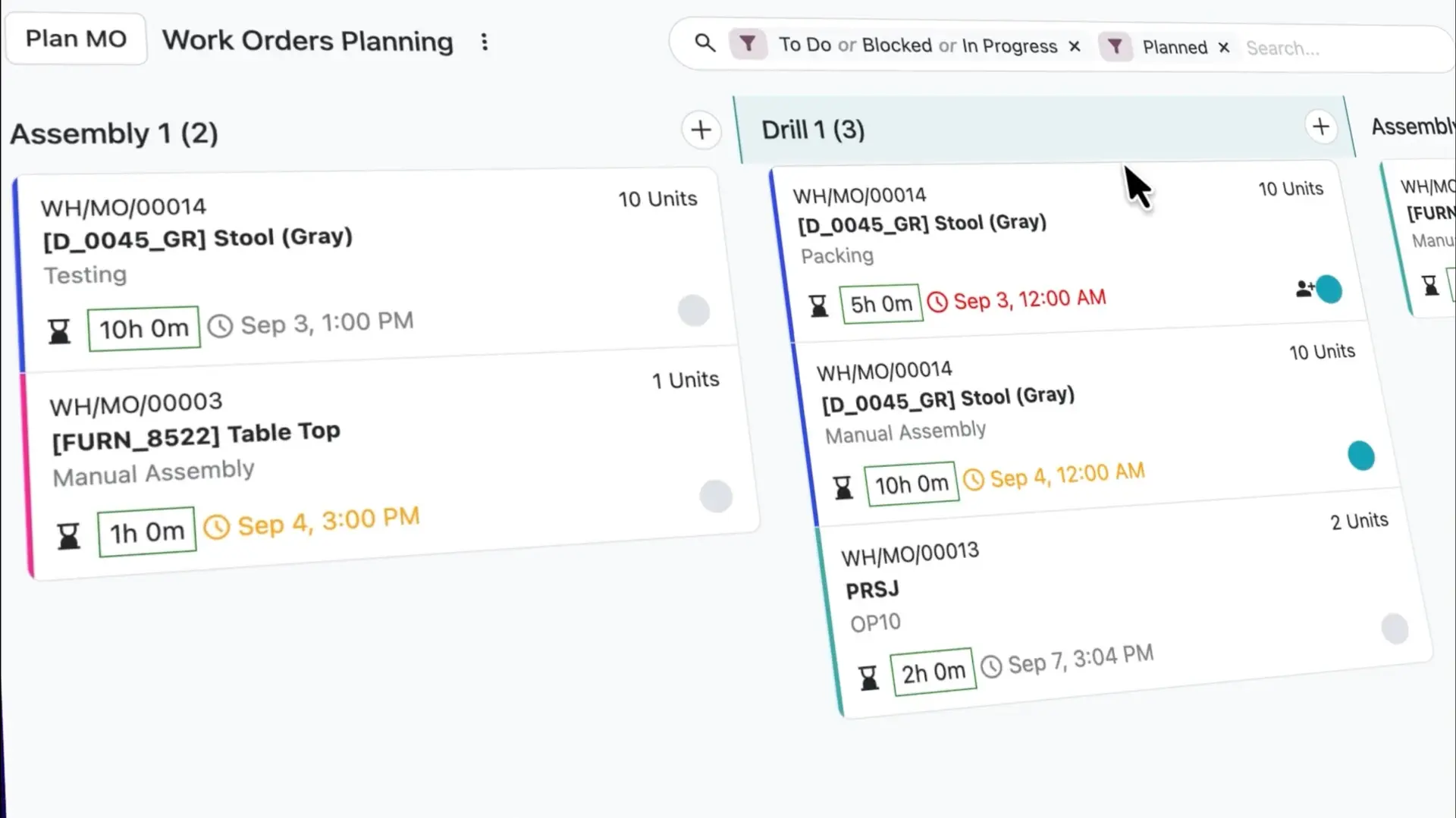
With continuous production, operators register quantities directly from work orders, automatically releasing the next one in line so operations never sit and wait.
Compare Bills of Materials side by side, reschedule manufacturing orders on the Gantt view with or without buffers, and manage priorities with a simple drag and drop on the new Kanban view, color-coded so you always know what's urgent.
The part most launch posts leave out: don't upgrade this month
Every one of these features is real. None of them is a reason to upgrade in October.
New Odoo versions follow a predictable pattern. The launch comes first, then the bug fixes, and then the first properly stable update. One report expects that update, version 20.1, in the last quarter of the year. Businesses that upgrade in the first weeks are the ones finding the bugs.
And the release date matters much less if your system has customisations. Standard Odoo apps upgrade cleanly. Custom modules, reports and integrations don't upgrade themselves. Each one has to be checked, adjusted and tested against Odoo 20. That assessment is the real upgrade project. The version number only tells you when you're allowed to start.
A sensible plan for most businesses:
- Now: list everything in your system that isn't standard Odoo, including custom modules, special reports and integrations.
- Over the next few weeks: decide which Odoo 20 features would actually pay for themselves. Light Users and AI follow-ups are the likely candidates.
- After the first stable update: test the upgrade on a copy of your system, never on the live one, then move.
If you're still on Odoo 16 or 17, the case for planning an upgrade is stronger. You're now three or four versions behind, and every version you skip makes the eventual jump bigger.
Thinking about Odoo 20?
We help businesses in Tanzania plan upgrades properly: what to keep, what to change, and when it's safe to move. If you'd like a straight answer on whether Odoo 20 is worth it for your business, and what it would take, talk to us or message us on WhatsApp.
For the full picture of what was expected before launch, see our earlier post: Odoo 20 roadmap explained: what's coming and when to actually upgrade.
Chesify Labs is an Odoo ERP consultancy in Dar es Salaam, helping businesses across East Africa implement, customise and upgrade Odoo.