
Setting up company departments in Odoo 19 is a crucial step for businesses aiming to streamline operations and maintain a clear organizational structure. Departments act as the backbone of your company, allowing you to assign responsibilities, manage workflows, and monitor performance effectively. Odoo 19 offers a user-friendly interface and flexible configuration options, making it easier for managers to create, edit, and organize departments according to business needs. Whether you run a small startup or a large enterprise, defining departments in Odoo helps in optimizing resource allocation, tracking employee roles, and improving communication across teams. By leveraging Odoo’s robust HR and management modules, companies can ensure that all departmental processes are aligned with overall business objectives. This blog offers a step-by-step walkthrough for setting up departments, helping your organization run efficiently from day one.
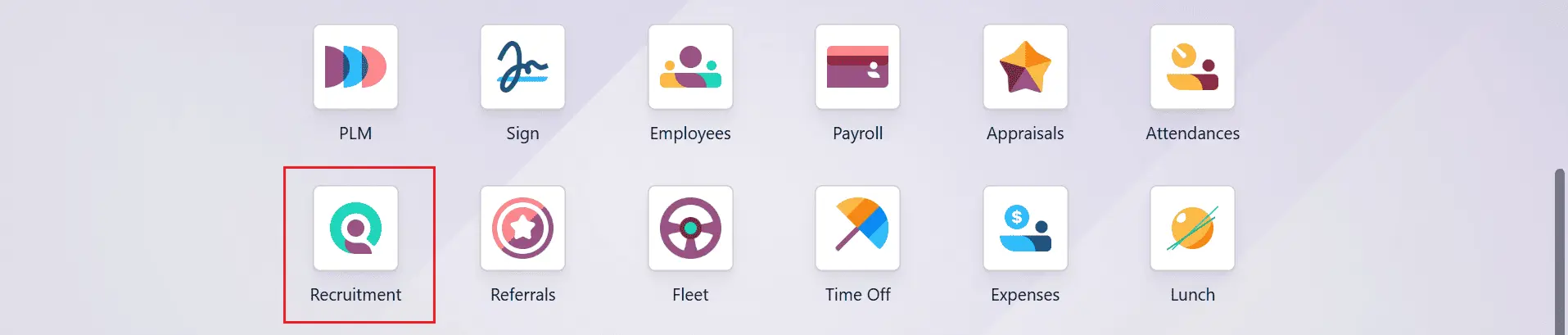
To set up company departments in Odoo 19, navigate to the Recruitment module from Odoo 19.
Create a new Department:
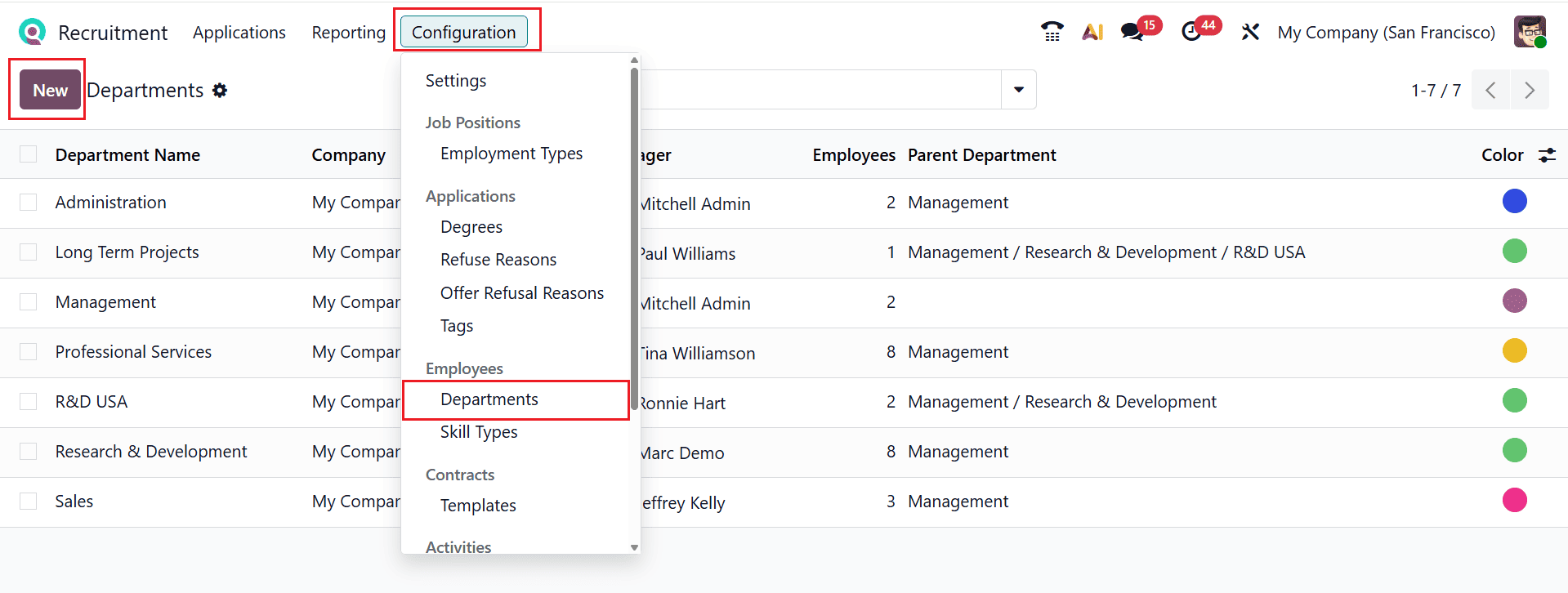
To set up a new department, navigate to Configuration > Departments. Click the New button.
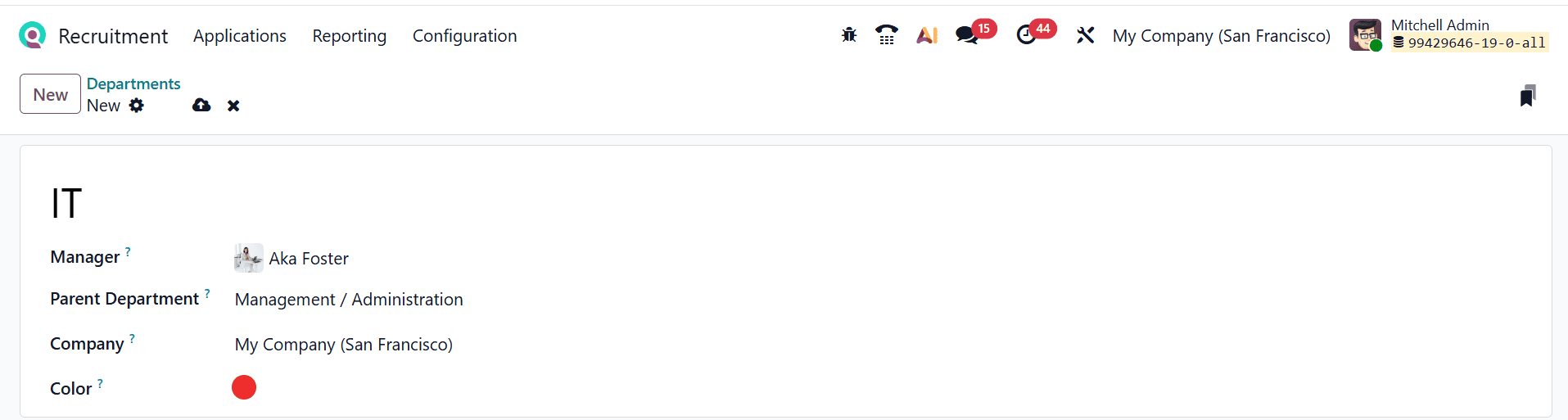
Then, enter a title for the department and add the following details such as Manager, Parent Department, Company, and Color as shown below:
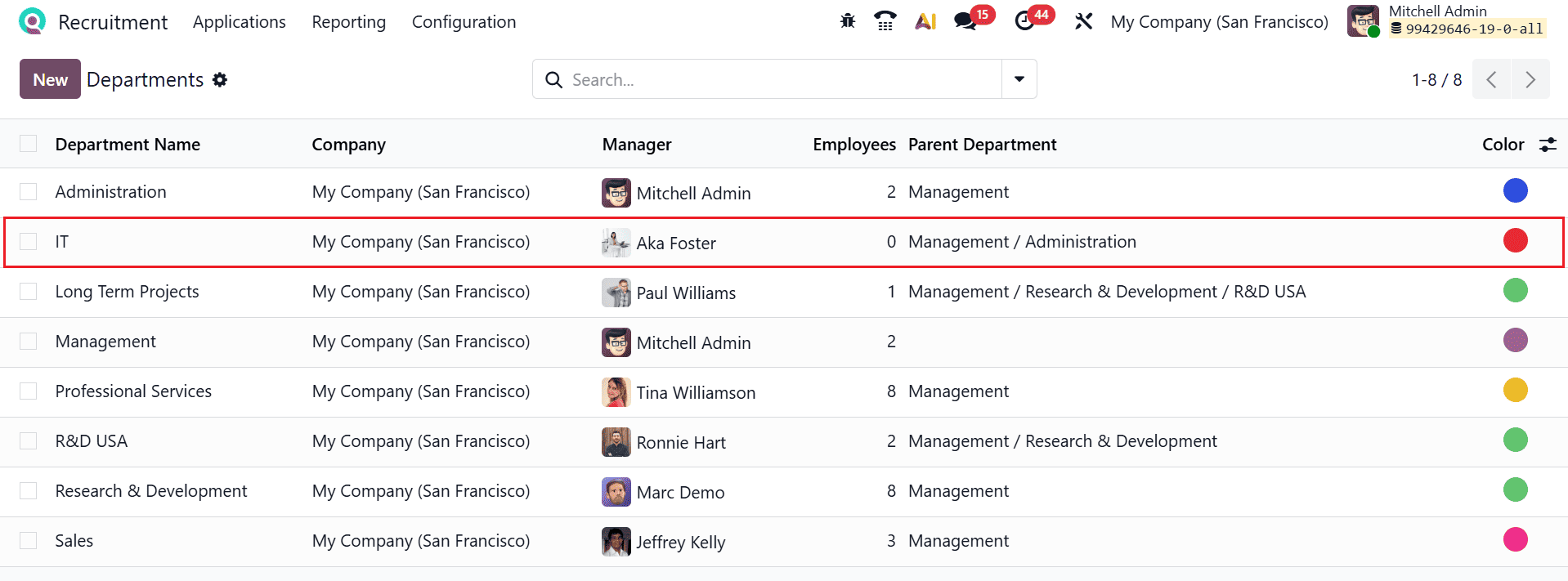
Here, you can see the newly created department under the Department option.
Add an employee to the newly created department:
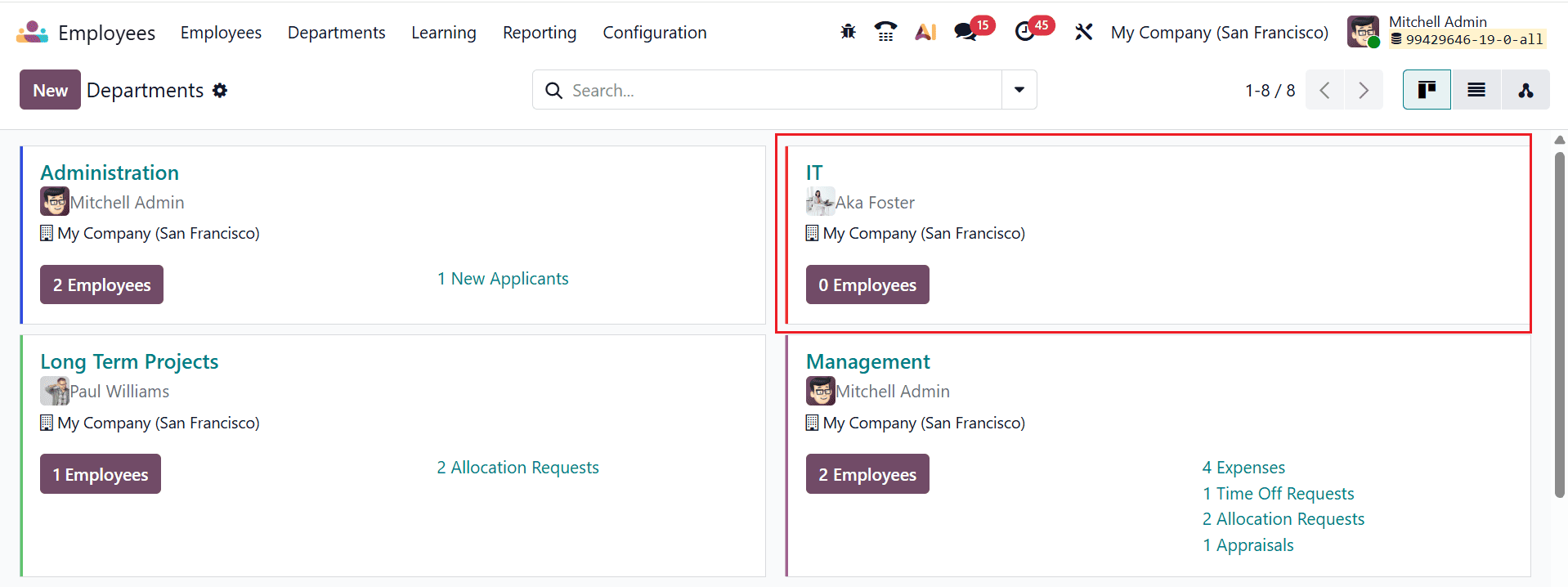
After creating a new department, go to the Employee module dashboard to add employees to it. The newly created department will appear under the Department menu with no employees assigned. Click on the department to begin adding employees.
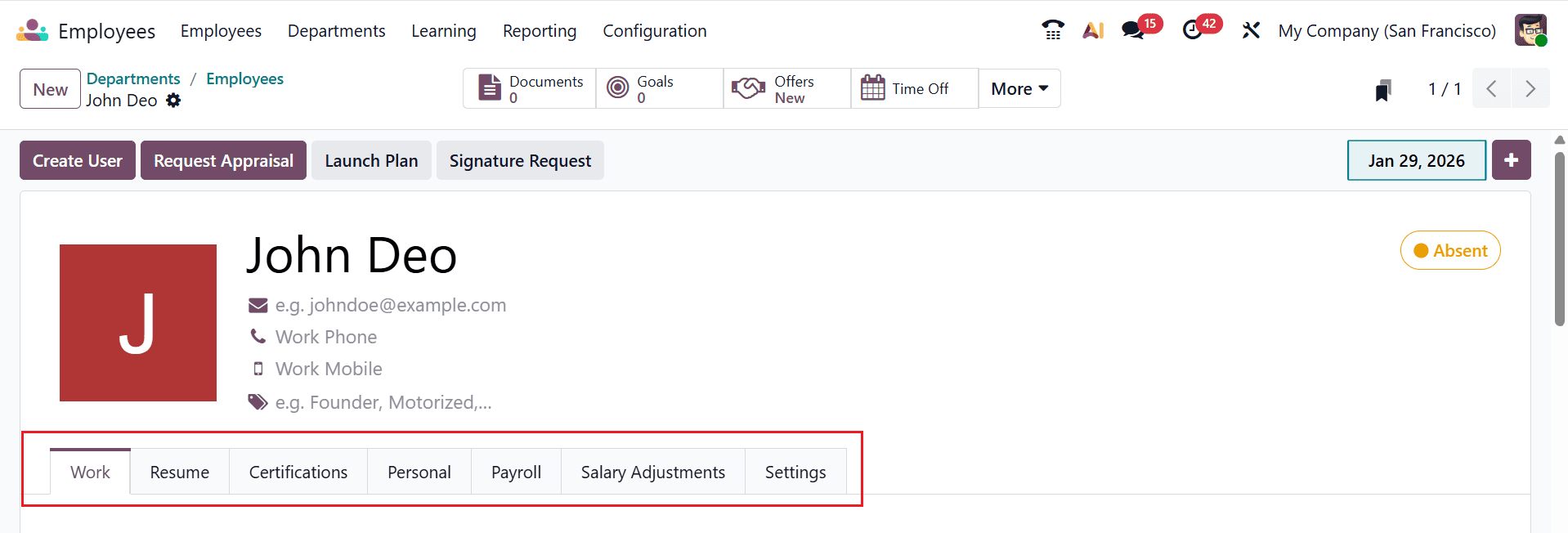
First, enter the employee’s details, including Name, Work Email, Work Phone, Work Mobile, and Tags. Here, you can see seven tabs: Work, Resume, Certifications, Personal, Payroll, Salary Adjustments, and Settings.
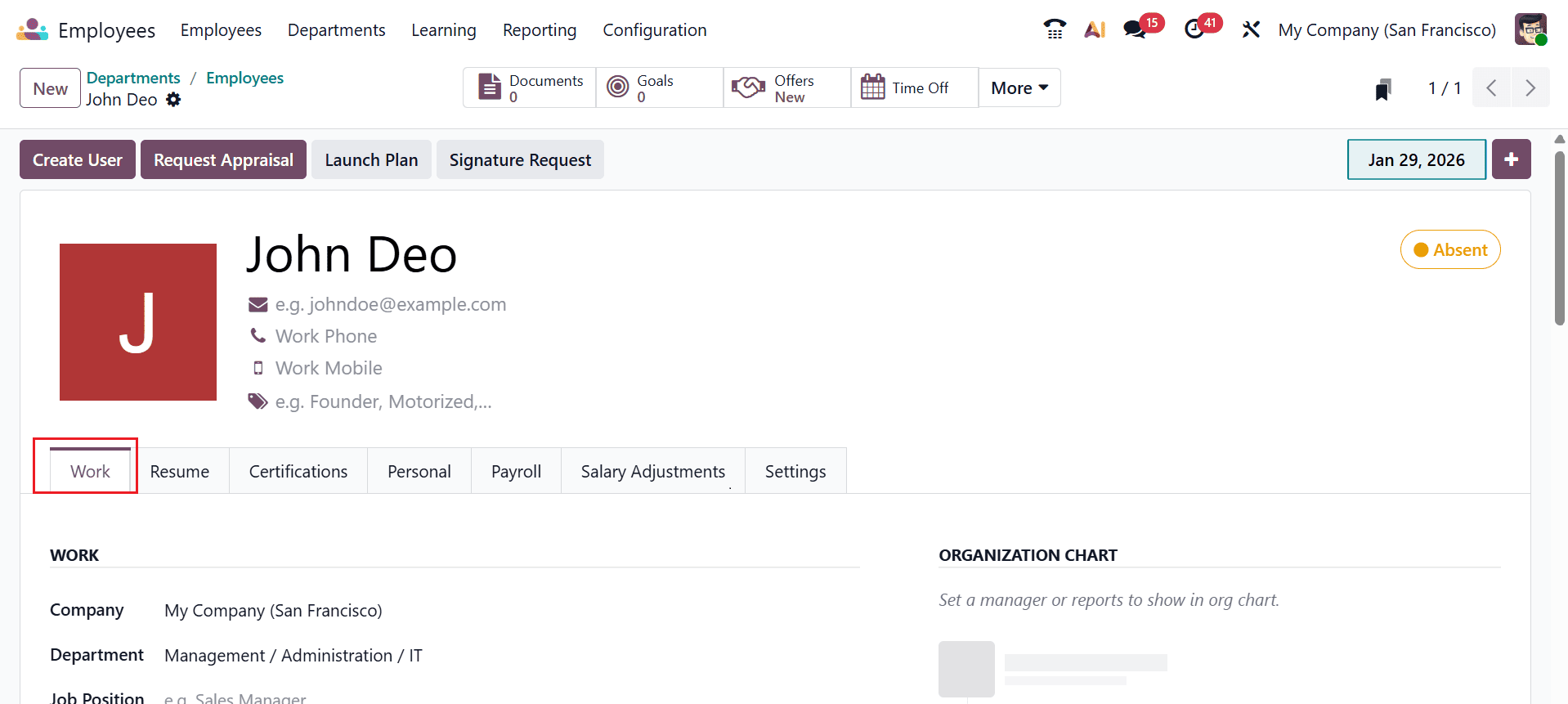
Under the Work tab, you can add the job-related details such as Work, Organization Chart, Location, Usual Work Location, and Note.
In the Work section, provide details including company, department, job position, job title, and manager.
Configuring company departments in Odoo 19 is a strategic step toward improving overall business efficiency. Properly structured departments enable clear reporting lines, efficient task delegation, and better monitoring of team performance. Odoo 19 simplifies this process with intuitive tools that allow you to create, categorize, and manage departments seamlessly. Once departments are set up, organizations can integrate them with HR, payroll, and project management modules, creating a holistic system for operational oversight. This setup ensures that employees understand their roles and responsibilities while management can access actionable insights for decision-making. Additionally, as businesses grow, Odoo allows for easy restructuring of departments, making it a scalable solution. By investing time in properly configuring departments, companies can improve productivity, enhance collaboration, and maintain a transparent organizational hierarchy, ultimately contributing to smoother day-to-day operations and long-term success.